
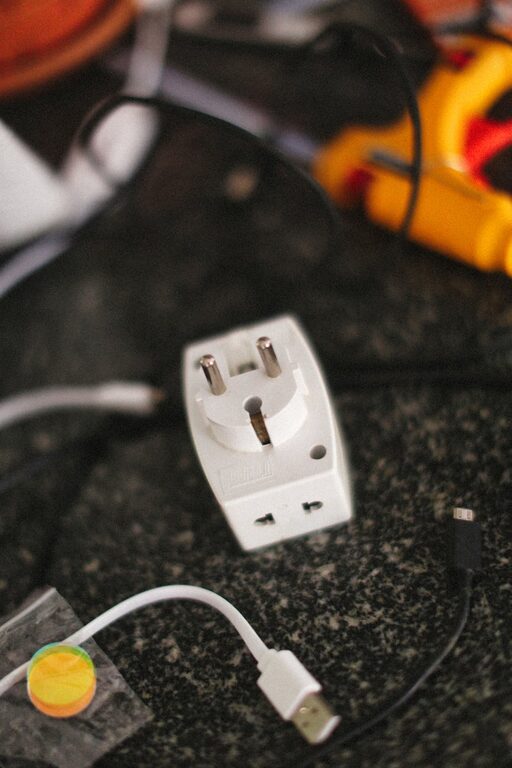
Setting up a dedicated charging station for your devices is a simple way to keep your home organized and ensure your gadgets are always ready to use. Whether you have smartphones, tablets, smartwatches, or other rechargeable devices, a well-planned charging station helps reduce clutter, prevents lost chargers, and makes charging convenient for everyone in the household.
In this post, we’ll guide you through the essential steps to create an effective charging station tailored to your needs.
Why Set Up a Charging Station?
Before diving into the setup process, it’s worth understanding the benefits:
– Organization: Keeps cables, devices, and chargers neatly in one place.
– Convenience: Saves time by having all chargers accessible and ready.
– Safety: Reduces the risk of frayed cables and tripping hazards.
– Device Care: Proper charging practices can extend the life of batteries.
Choosing the Right Location
Start with selecting a suitable spot:
– Central and Accessible: Pick a place where family members often gather, like a living room shelf or kitchen counter.
– Near Power Outlets: Ensure there are enough power sources nearby or plan to use power strips.
– Stable Surface: Choose a flat, sturdy surface to hold devices securely.
– Ventilation: Avoid overly warm or enclosed spaces to prevent devices from overheating while charging.
Gather Your Supplies
Depending on the number and type of devices you have, consider collecting:
– Charging Hub or Power Strip: A multi-port USB charging station or a surge-protected power strip with multiple outlets.
– Cable Organizers: Clips, sleeves, or boxes to keep cords tangle-free.
– Device Holders or Stands: To keep devices upright and visible while charging.
– Labels or Tags: Optional but helpful for identifying chargers quickly.
– Storage Containers: Small baskets or trays to hold adapters, earbuds, and other accessories.
Setting Up Your Charging Station
Step 1: Assess Your Devices
List all devices that need to be charged regularly. Include details such as:
– Type of charging cable needed (USB-C, Lightning, Micro USB, etc.)
– Charging speed requirements (normal, fast charge)
– Number of devices charged simultaneously
This helps decide the number and types of ports your charging station should support.
Step 2: Choose a Power Source
– For a few devices, a power strip with USB ports may suffice.
– If you have many devices, consider a dedicated multi-port USB charging hub.
– Look for charging stations with built-in surge protection for safety.
Step 3: Organize Your Cables
– Use cable clips or sleeves to group and route cables neatly.
– Avoid excess cable length by folding or bundling.
– Label cables if multiple devices use similar-looking cords.
Step 4: Set Up Device Holders
Using stands or holders keeps devices upright and prevents damage. Some charging hubs come with built-in trays or slots for this purpose. Alternatively, DIY solutions like small boxes or repurposed organizers can work too.
Step 5: Arrange Accessories
Keep smaller accessories such as earbuds, power adapters, or extra cables organized in small containers nearby. This avoids clutter and makes finding them easier.
Tips for Maintaining Your Charging Station
– Regular Cleaning: Dust and clean the area to keep contacts and cables functioning well.
– Check for Wear: Periodically inspect chargers and cables for damage, and replace as needed.
– Cable Management Updates: Adjust cable arrangements as you add or remove devices.
– Educate Family Members: Encourage everyone to return devices and chargers to the station after use.
Optional Upgrades
If you want to enhance your station further, consider:
– Wireless Chargers: Add wireless charging pads for compatible devices to reduce cables.
– Smart Power Strips: Use smart strips with timers or remote control options.
– Decorative Elements: Incorporate plants or artwork for a personalized look.
– Charging Cart or Cabinet: For larger setups, a mobile charging cart can be useful, especially in offices or classrooms.
Final Thoughts
A well-organized charging station not only simplifies your daily routine but also helps protect your devices and charging equipment. By choosing the right location, selecting appropriate chargers, and managing cables effectively, you can create a neat and efficient power hub that keeps everyone connected.
Start planning your charging station today, and enjoy a clutter-free way to keep devices powered up!